
18 October 20266 min read
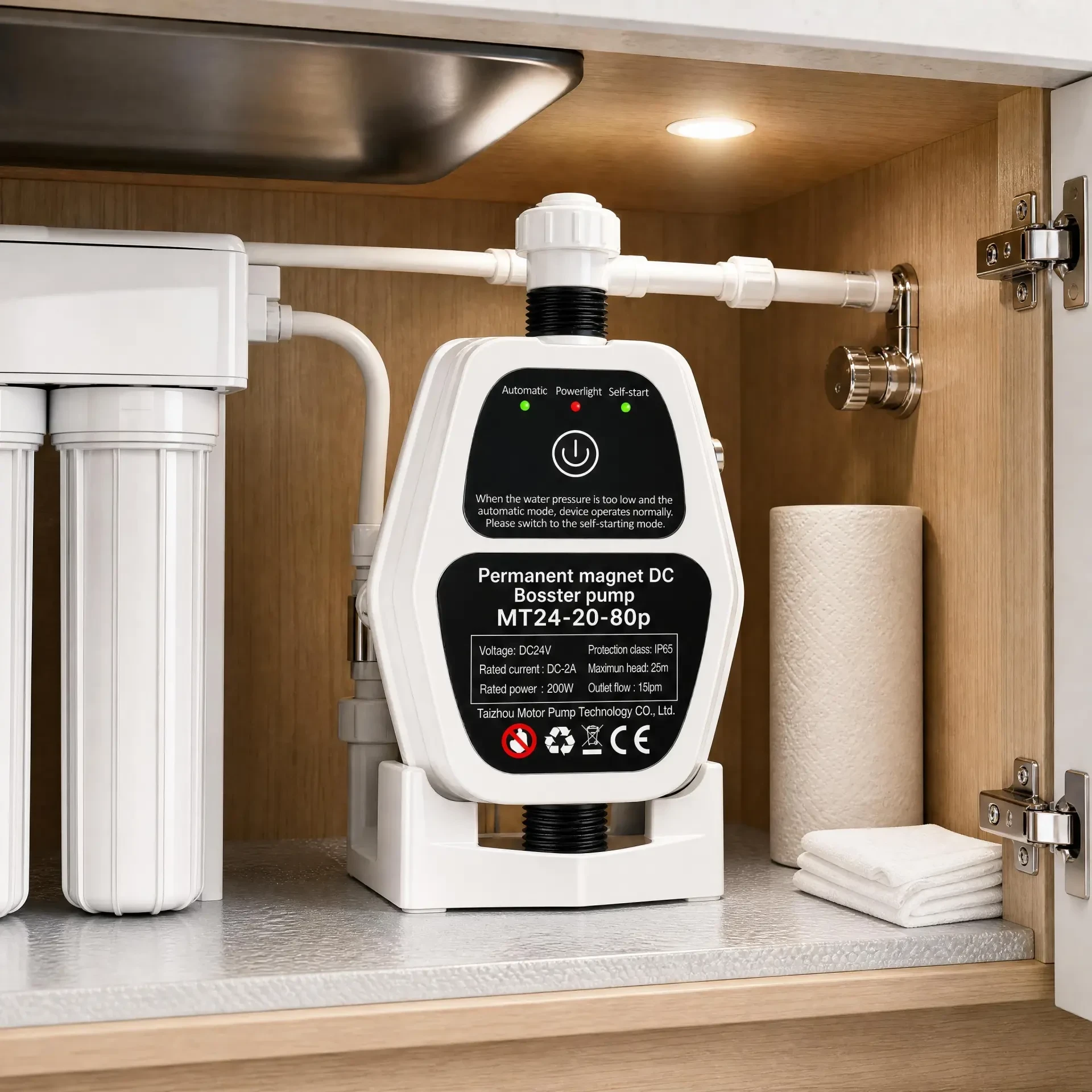
A booster pump is a mechanical device fixed to a building, so the building carries its vibration. Before blaming the pump for noise, work through the mounting, the pipework and the water source. This checklist follows the order an installer would use on site.
Before you start
- Confirm the power supply matches the pump nameplate: voltage, frequency and phase.
- Check the water source is clean and the inlet strainer is fitted and clear.
- Flush the pipework so debris does not reach the impeller.
- Fit a non-return valve on the suction side where the pump lifts water.
Mounting
- Fix the pump to a rigid, level surface. A flexible wall or a thin panel will radiate vibration.
- Keep a service gap around the pump so the fan and the terminal box are reachable.
- Where the pump sits on a timber floor, isolating feet or a rubber pad reduce transmitted vibration.
- Keep the pump out of direct rain unless the enclosure is rated for outdoor use.
Pipework
- Support the pipes independently of the pump body so the pump does not carry pipe weight.
- Avoid sharp bends close to the inlet; the inlet needs a straight run for smooth flow.
- Match the pipe bore to the pump ports. A smaller pipe increases friction and noise.
- Check for high points on the suction line, which trap air and cause gurgling and cycling.
Common causes of noise
- Air in the suction line, usually from a leaking joint or a high point.
- Cavitation, when the pump is asked for more flow than the inlet can supply.
- A pump running far from its duty point, either oversized or throttled.
- Loose pipe clips, unsupported pipe runs or a pump touching a wall.
- Vibration transmitted into the structure because no isolating feet were used.
First start and checks
- Prime the pump if the inlet is not flooded.
- Start the pump with the outlet open and check that pressure builds steadily.
- Check the pressure set point against the duty the site actually needs.
- Listen for gurgling, rattling or surging, and address the cause before handing over.
- Record the model, serial number and set point in the handover notes for later service.